Permit Management

autoChalk® Permits

Parking permits, applied for and issued online. Residents apply from a phone or a computer, right in the browser, with no app to install. Your staff decide, and the permit is on your officers' devices without anyone re-keying a plate.
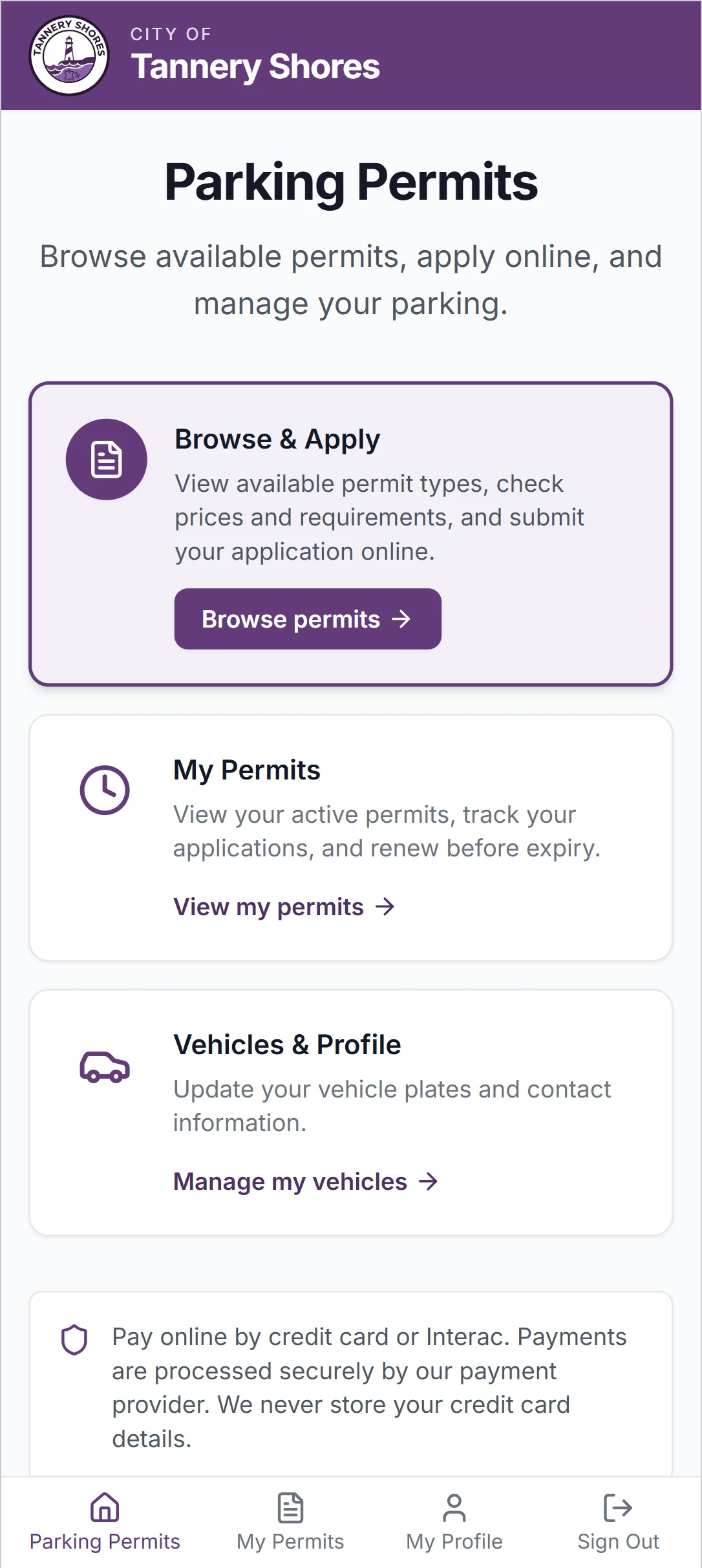
The autoChalk Permits resident portal home screen on a phone, with options to browse and apply for permits, view existing permits, and manage vehicles

From Application to Enforcement

One record from the resident's first click to the officer's screen. Nobody in between types it again.

  1. Step 1

    Apply

    Residents create an account, add their vehicles, pick a permit and zone, and upload the proof you ask for. They can save part-way and come back.

  2. Step 2

    Decide

    Simple permits are approved the moment they are paid for. The rest go to a review queue, where staff approve, deny, or send an application back with a note saying what to fix.

  3. Step 3

    Pay

    Payment runs through your own processor's hosted form. If you prefer, the fee is held when the resident applies and charged only if the application is approved.

  4. Step 4

    Enforce

    An issued permit is written to the same plate data your officers enforce from. No export, no list to upload, no plate typed twice.

Easy for Residents

Residents apply when it suits them, from a phone or a computer, in English or French. They can always see where their application stands (submitted, under review, sent back, issued), and they get an email or a text whenever it moves.

If something is missing, your reviewer's note says exactly what to fix. The resident corrects that one thing instead of starting over, and next year's renewal takes a few clicks.

Fewer calls to the permit office follow on their own.

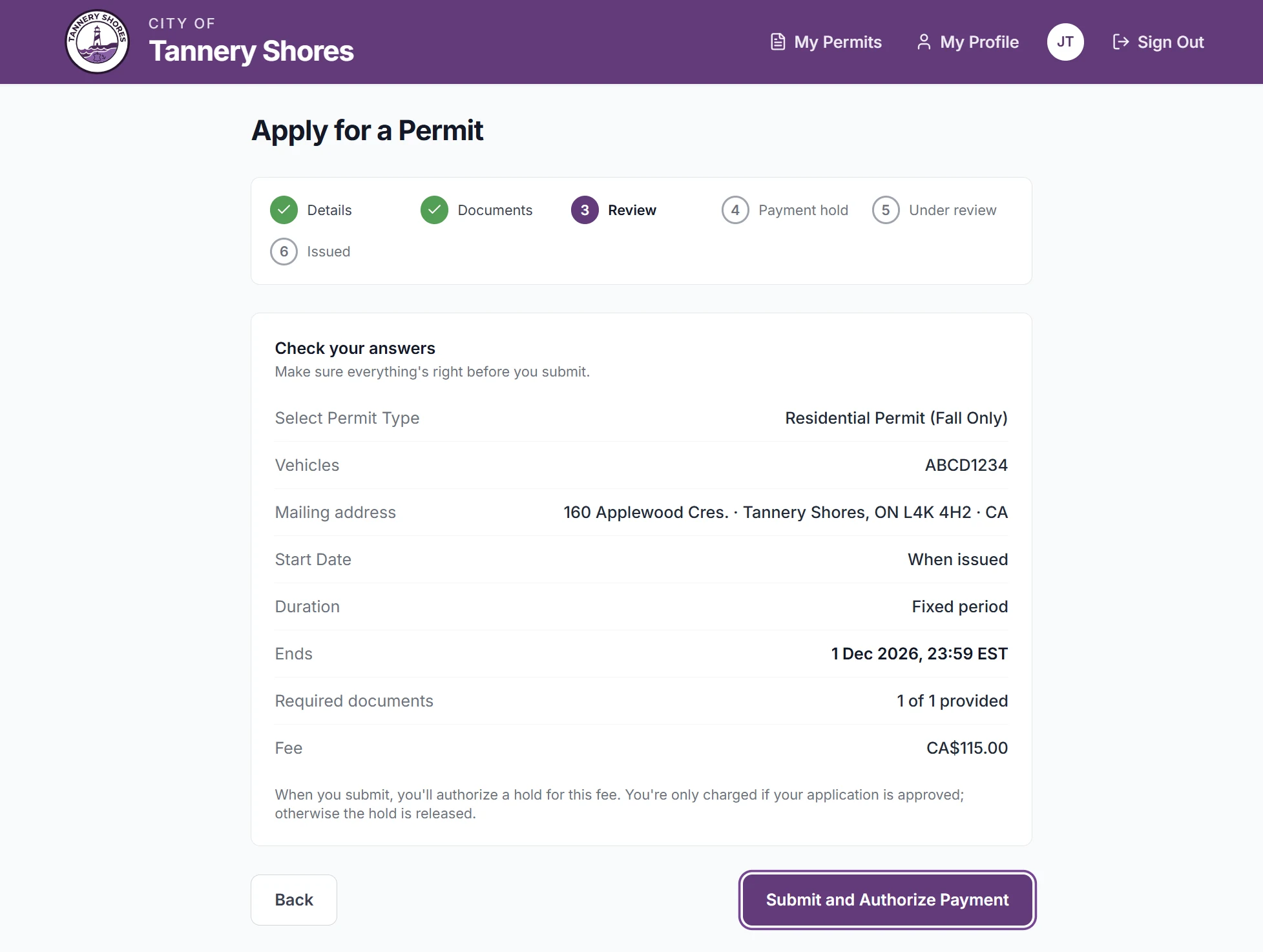
The "Check your answers" step of a permit application, with a progress tracker above a summary of the permit type, vehicle plate, end date and fee before submission

Your Programs, Your Rules

Each permit type is set up by your staff: what it costs, who qualifies, and what has to be proven before it is issued.

Permit Types You Define

Residential, visitor, temporary, contractor, event, monthly lot, accessible. Each with its own price, duration, zones and vehicle limit.

Review or Auto-Approve

Decide per type. A one-day visitor pass can issue on payment; a residential permit can wait for a person to check the proof.

The Proof You Require

Name the documents each type needs. An application cannot be submitted until every one of them is attached.

Renewals and Reminders

Residents renew online. Expiry reminders go out ahead of time, and the renewal window can open on a different date for each zone.

Fair Pricing Mid-Year

A permit bought partway through the cycle is prorated by default. Turn that off for the whole program, or keep it on for the types that need it.

Counter and Phone Requests

Not everyone will apply online. Staff can issue a permit directly for the resident who calls or walks in, and it reaches the field the same way.

Your Name on It

Residents never land on a Tannery Creek website. The portal carries your seal, your colours and your contact details, in English and French. The sign-in screen is yours, and the emails residents receive are signed by your office.

Branding lives in your settings, so a new logo or colour is a change, not a software release. The only line that is ours is a small "Powered by Tannery Creek Systems" at the foot of the page.

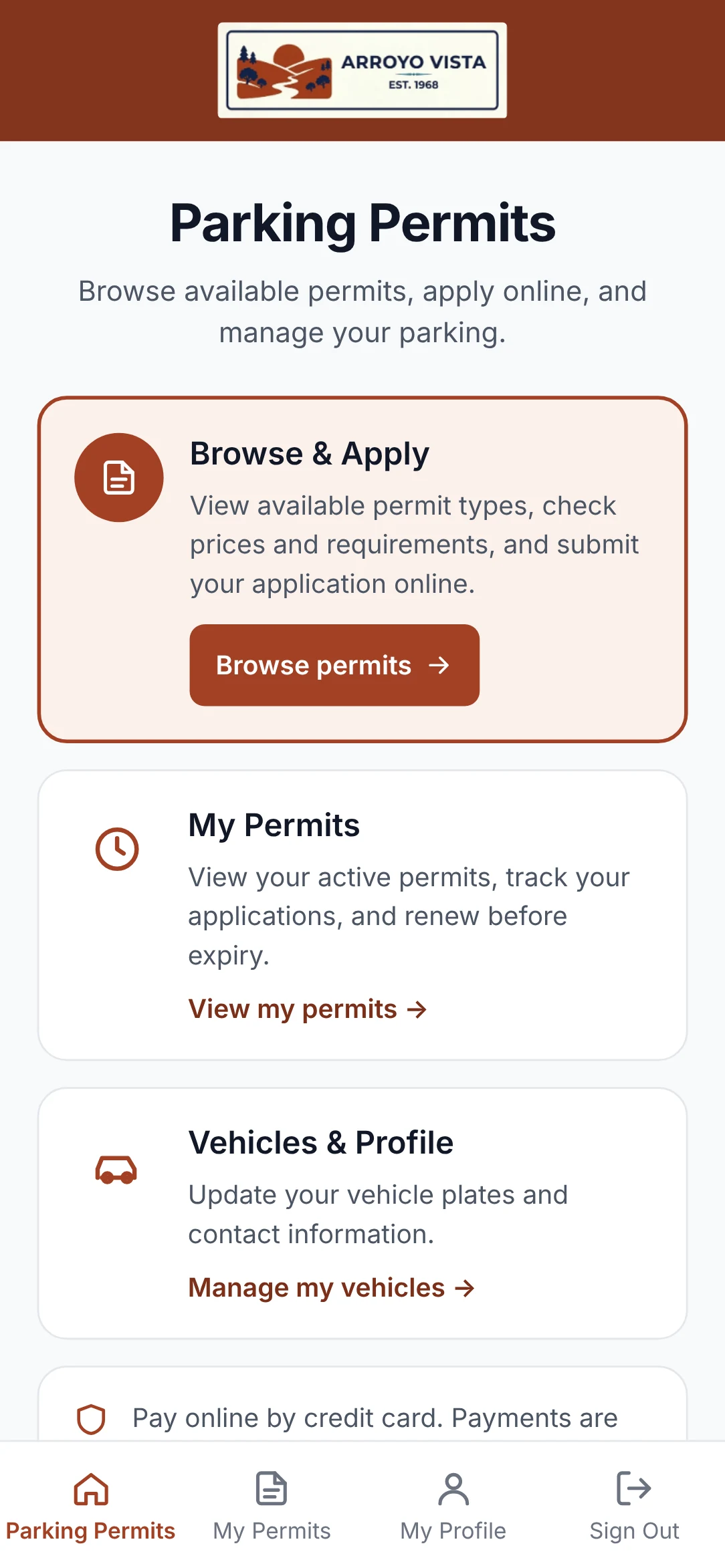
The permit portal home screen branded for Arroyo Vista, with a terracotta header and horizontal wordmark
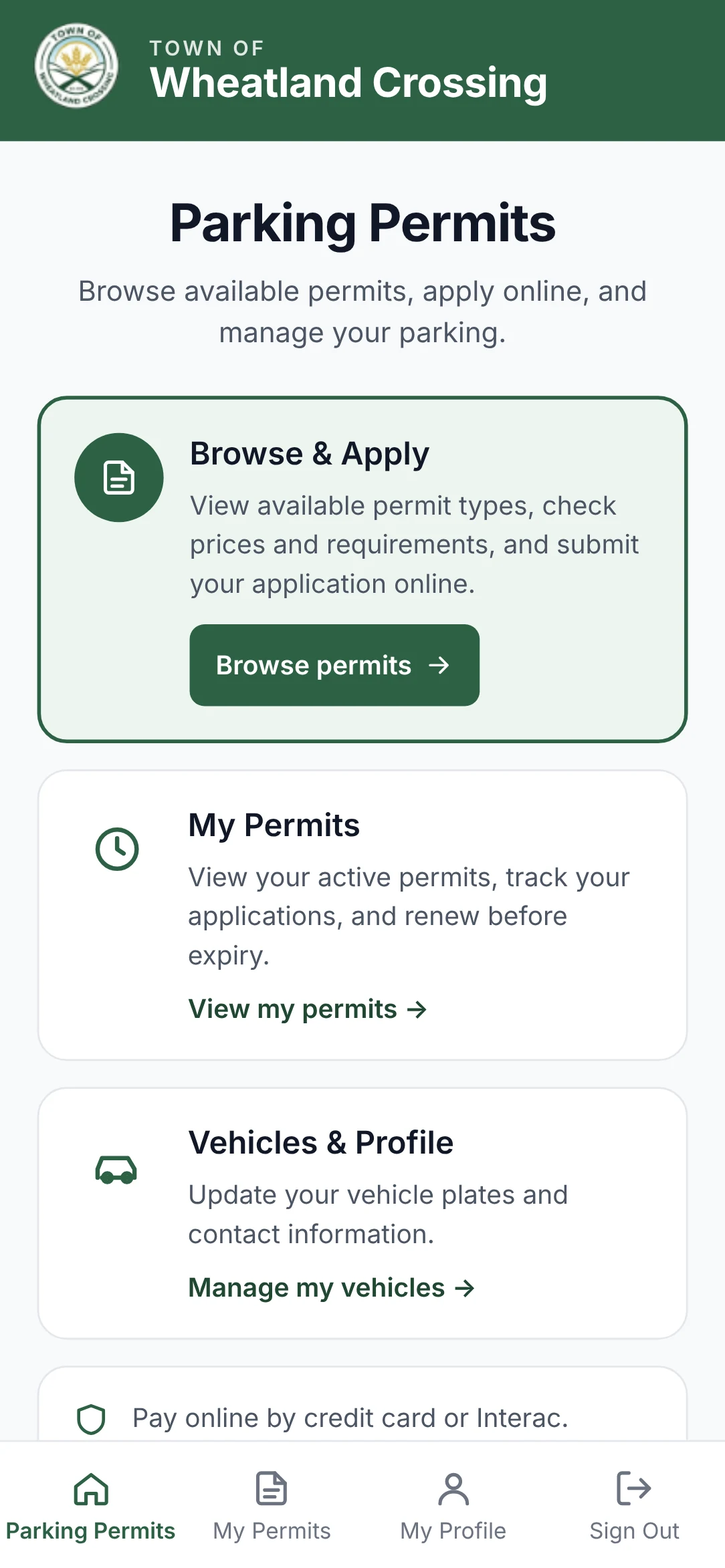
The permit portal home screen branded for Wheatland Crossing, with a green header and round seal
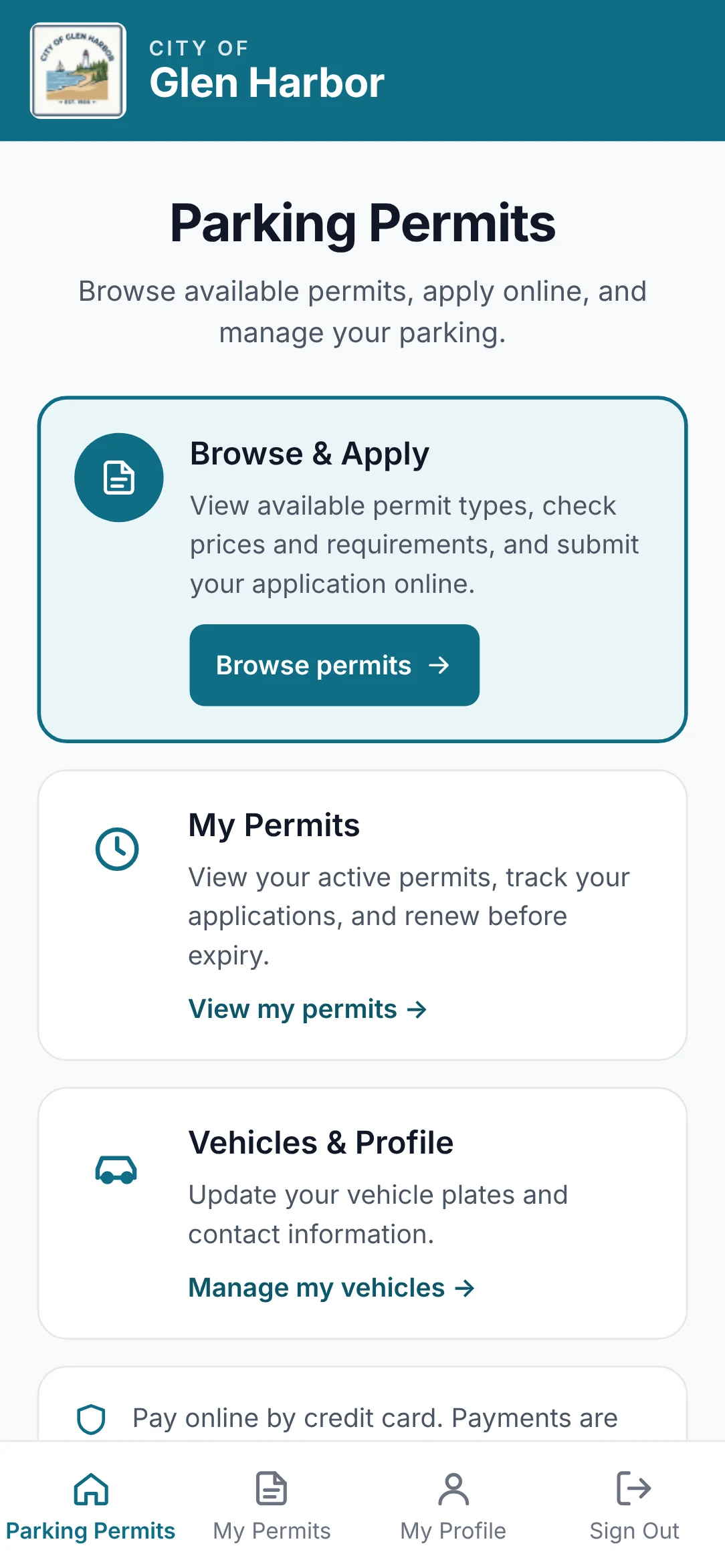
The permit portal home screen branded for the City of Glen Harbor, with a teal header and square seal
Arroyo Vista · Glen Harbor · Wheatland Crossing

Three fictional municipalities. One portal, configured three ways.

The Plate Is the Permit

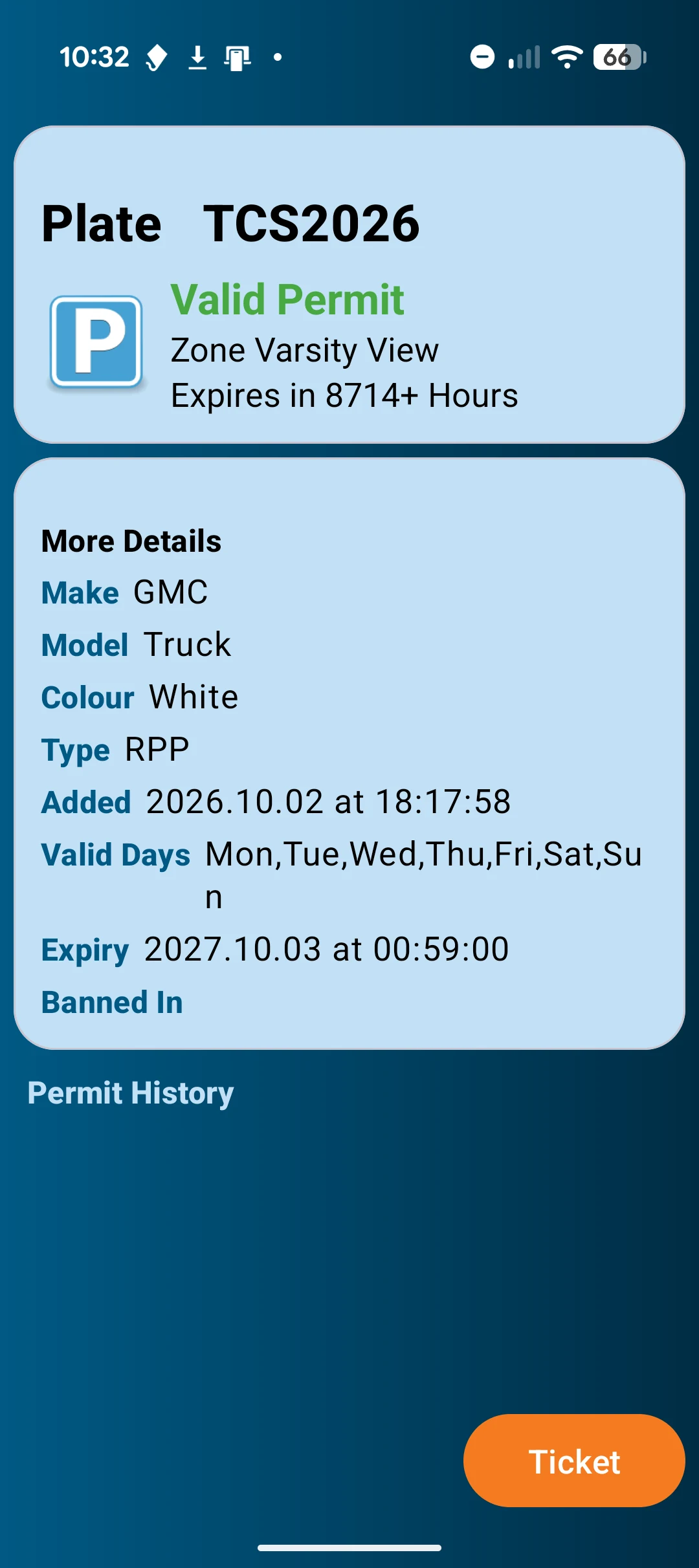
There is no hand-off between the permit office and enforcement, because there is nothing to hand off. Issuing a permit writes it to the plate data your field devices already read, and it is sent out to them automatically.

Renew a permit and its new expiry shows up on the officer's screen. End one early and it stops being valid there too.

  • Nothing to hang from the mirror, and no tag to replace when it goes missing
  • Read by autoChalk® Mobile, Compact and Parkade, and checked on foot with Handheld
  • Staff-issued and online permits sit in the same list, each marked with where it came from

See the enforcement products →

What Residents Hand You, and Where It Goes

A permit portal takes what the rest of autoChalk never does: names, home addresses and proof of residency. This is how it is handled.

Separated by Infrastructure

Each customer has its own database, its own pool of resident accounts, and its own document storage under its own encryption key. Nothing spans customers.

Scanned Before It Is Opened

Every uploaded document is scanned for malware. Staff cannot open a file until it has come back clean.

Card Details Never Reach Us

Residents pay on your processor's hosted form. You are the merchant of record, the money settles to your account, and card numbers never touch Tannery Creek's systems.

Who Looked at an Application

Staff views of an application and its documents are recorded with the user and the time. When a resident asks who saw their file, that question has an answer.

Built to Work Together

autoChalk® Central

Your staff review permit applications in the same back office they use for citations: one queue, documents beside the request, and the payment hold visible before anyone decides.

Citation management →

See It with Your Own Permit Programs

We'll set up a portal with your permit types, your zones and your branding, and walk your staff through an application from submission to the street.

Request a Demo

or call 1-855-738-1406